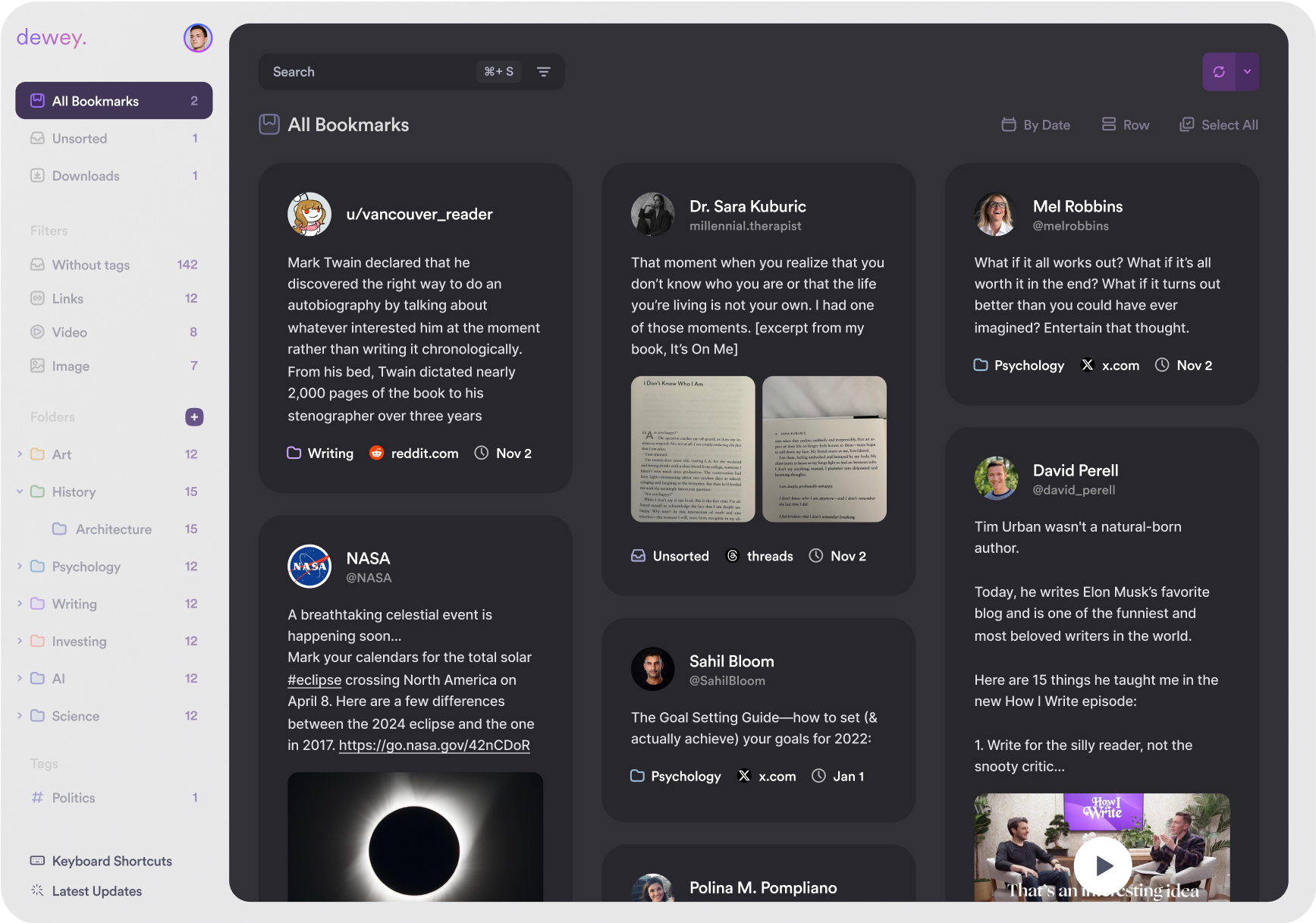
Order for the chaos of the web
Meticulously engineered tools help unlock your scattered social media bookmarks for clearer organization now with limitless recall forever.
Lightning-fast search of every bookmark, tag, author and note.
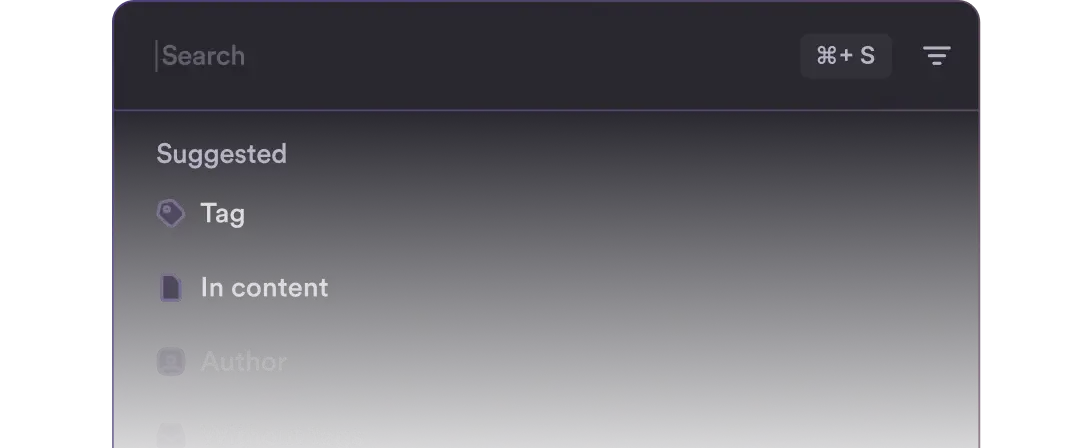
Finally, all your favorite tweets, posts, pins, and links in one searchable home.
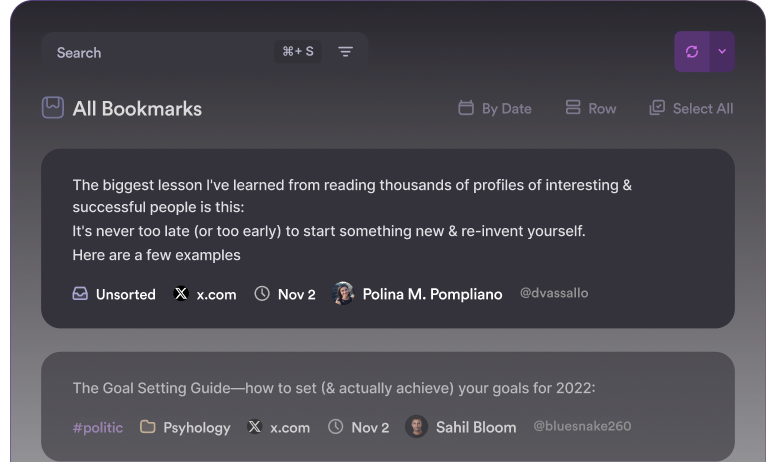
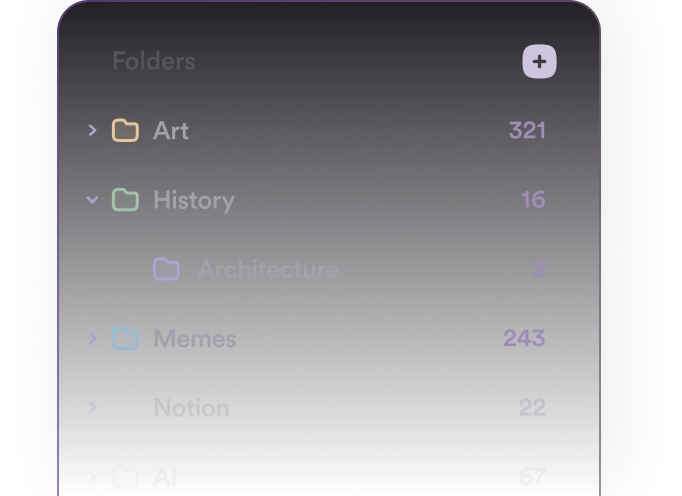
Built-in organization tools like folders and tags to control the clutter.
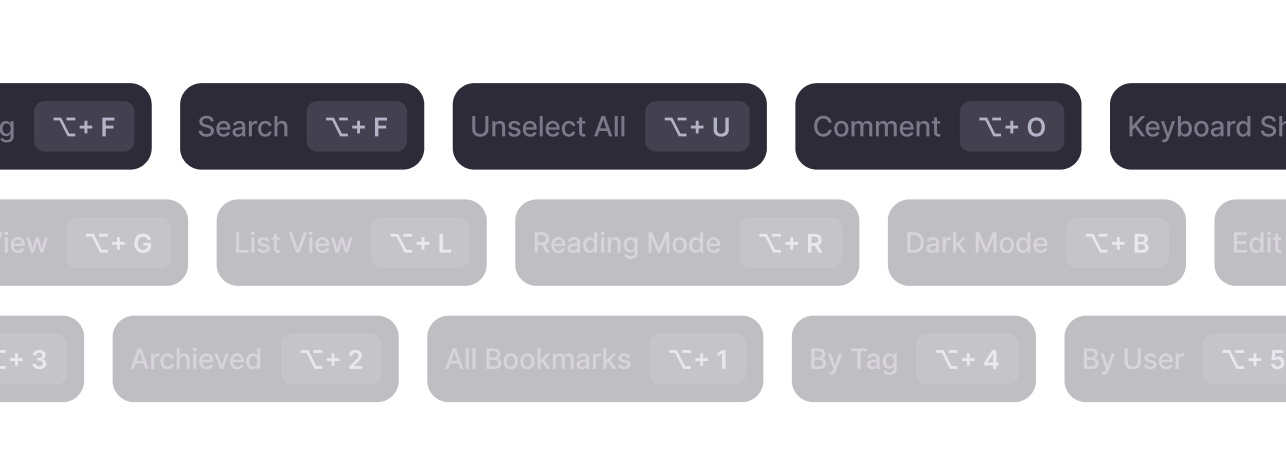
Work faster with keyboard shortcuts. Get more done in less time.
Tag thousands of bookmarks in seconds
Type keywords about your interests. Our algorithm tags your bookmarks accurately in bulk, tailoring to you over time. No more hours wasted manually tagging. Now you can immerse yourself in the captivating content you've discovered.
We display proposed tags before site-wide application. Adjust and refine the suggestions until perfectly aligned with how you categorize information.
By eliminating repetitive tasks, VOYENA AI lets you dive deeper into the growing collection of online content you've saved.

Export all your bookmarks
Veyona believes your bookmarks should belong to you. An extension of your digital memory.
With Veyona's export options, you can easily export your entire library with one click - formatted as CSV, searchable PDFs, or a Google Sheet spreadsheet. Even export all associated media like images and videos. It's all yours.
Complete portability. Now a reality.
Export all your bookmarks
Automated syncing for seamless workflow
In Veyona, you can connect to Notion for automated bookmark syncing into the popular note-taking tool.
Once set up, new bookmarks sync seamlessly into a Notion database, complete with all associated tags and metadata attached.
Our integration eliminates any manual bookmark transfer work after completed setup.
Automated syncing for seamless workflow
Consolidate bookmarks from all your profiles
Tired of switching between side accounts to access bookmarks? Veyona lets you connect every X (formerly Twitter), Bluesky, and soon other profiles into one unified command center.
Easily link any additional handles with existing credentials in seconds.
Once set up, all bookmarked content automatically feeds into your central Veyona dashboard.
Consolidate bookmarks from all your profiles
Send your bookmarks anywhere via RSS
Veyona makes it simple to set up a personalized RSS feed of your bookmarks for deeper integration across apps.
Generate a custom feed URL in seconds. Use this URL to activate Veyona's RSS output into any supported 3rd party programs, devices, or services that leverage RSS content streams.
Veyona handles ongoing bookmark curation while our RSS feed connector delivers this content in real time to the destinations you specify - no coding or complexity required.
Configure once and let automation power external integrations. The possibilities are endless.
Send your bookmarks anywhere via RSS
Showcase hand-picked content collections
Curate collections to share publicly with ease. Veyona's tools help you craft and organize your best finds, from articles and videos to images and quotes, so others can see what you value.
Create collections in seconds and share them through public URLs. Your audience will always have a front-row seat to your latest discoveries, organized and displayed as you intended—no technical setup needed.
Showcase hand-picked content collections
Switch between views to work from any angle
Veyona offers adaptable bookmark display options to match diverse working styles.
Toggle seamlessly between three main visualization formats. List View enables easy vertical scanning of your bookmarks. Card View allows for more contextual previewing of each piece of content. Grid View provides a mosaic landscape for high level visual pattern recognition.
Rearrange the pieces of your bookmark universe between bird's eye, functional, and visual perspectives at will.

Export all your bookmarks
Feature visualization placeholder
Automated syncing for seamless workflow
Feature visualization placeholder
Consolidate bookmarks from all your profiles
Feature visualization placeholder
Send your bookmarks anywhere via RSS
Feature visualization placeholder
Showcase hand-picked content collections
Feature visualization placeholder
Trusted by over 45,000 curators
Sync, search, and export all your bookmarks across multiple accounts

Voyena solves a major problem with bookmarks on this app. Love that you created it.

Voyena: Better bookmarks for Google Chrome

Search, organize, and export your Twitter bookmarks. An easier way to categorize all those threads you've been saving.

I've been using the Voyena Chrome Ext to categorize my Twitter bookmarks, so far it's pretty cool. Here I have all my "torch" stunts together

This is brilliant. A dashboard for your Twitter Bookmarks that lets you search, sort, tag, and share collections. You can even export Bookmarks to a note-taking app! Props to @voyena for helping make Twitter Bookmarks more user-friendly.

@voyena is going to save a lot of souls on Twitter. For Twitter power users like myself, Voyena is a game-changer. Great work @YuriyYaroyoy @AlexProber @tomharari

Twitter bookmarks, and (more importantly) the Voyena Chrome extension has been a game-changer for me when it comes to "doing research" 🕵️♂️ I'd pay 💵💵 if there was an anonymized repository of bookmarked tweets segregated by topics, account followers, "no. of times bookmarked" 🙌

Have you bookmarked so many tweets that you can't find that one specific tweet when needed? Fret no more. Use @voyena to: - keep your bookmarked tweets sorted in different folders - remember purpose of saving them with annotations - share your collections publicly

It's a better way to manage your Twitter bookmarks - Label bookmarks - Sort by your favorite authors, virality.

Use Voyena to organize your bookmarks with multiple folders.

Love Twitter - for many years - but the product team needs to focus on value-added features. @voyena are heaps better at bookmarks' organisation.

Slick of bookmarking interesting tweets you can never find again? Install Voyena. It makes it easy to search, organise & share all your Twitter bookmarks. You're going to love it 😍

Organize Twitter bookmarks with a simple extension, helping you make the most of it.

Because Twitter seems a bit unstable at the moment, I thought I'd back up my account - would be sad to lose track of the wonderful research I've found on here. I can recommend @voyena for bookmarks - for everything else, you can download an archive of your data via settings.